
Features · Cancellation deadline
You decide how late a guest can cancel
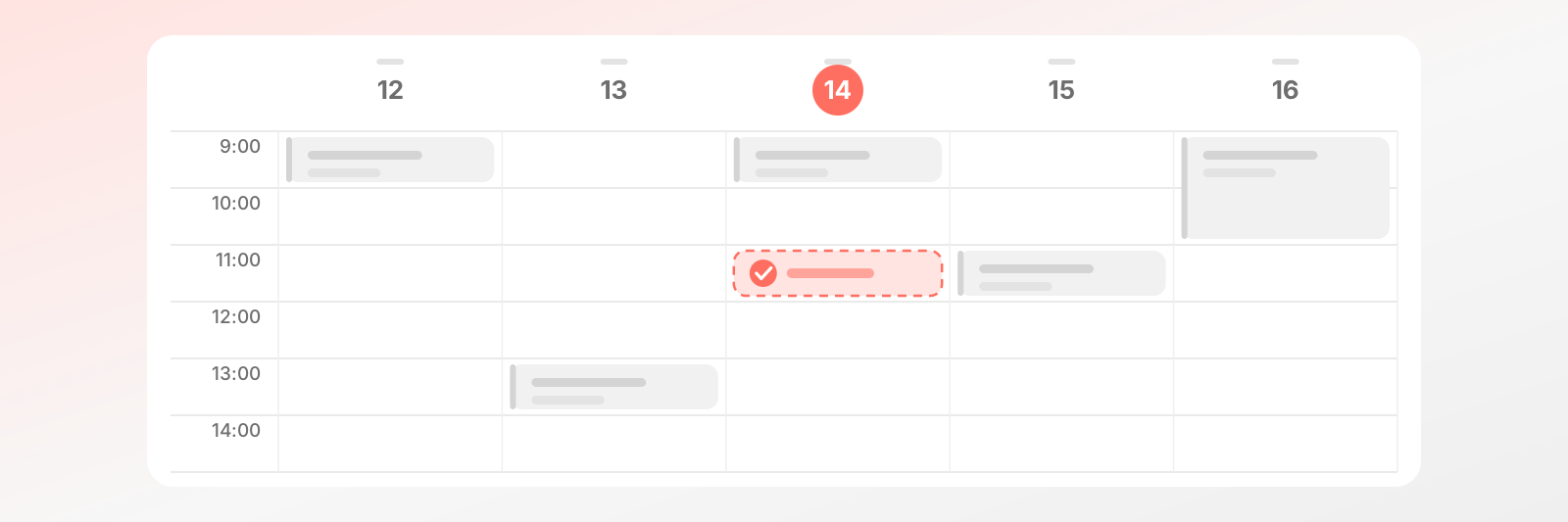
Set how many minutes before the appointment a guest can still cancel or reschedule. The rule can differ per calendar and per service.
Why it helps
No empty slot at the last minute
At four in the afternoon someone cancels their half-past-four appointment and you can't call anyone in. An empty hour, lost income, a tense mood. A cancellation deadline stops that: you set how long before the appointment cancelling is still allowed, and the system enforces it. That leaves you time to offer the slot to someone else.
Your rule, not a generic one
A quick session works with a short cancellation deadline, a long job that needs prep needs more. Set it once for the calendar and override it per service where needed. No explaining and no extra phone call. The rule is clear, and your guest knows what to expect from the start.
Guests know where they stand
Someone who cancels gets a clear rule, not a grumpy refusal. A cancellation deadline is fair to both sides: the guest knows how late they can say so, and you can plan. If you want to make an exception for a favourite regular, you can, and the rule stays in your hands. The deadline is not a rigid wall but a clear frame in which everyone can move safely.
What it does
You write the rule, the system keeps it
Which one when
One deadline doesn't fit every appointment
A short session is fine with a short deadline, long jobs need more time so you can still fill the slot.
FAQ
Questions about the deadline
Setup, scope, exceptions.
Like the AI chatbot?Get one just like it for your own business.Start today - your first booking arrives tomorrow
Set up your schedule and services, get a link. The rest takes care of itself.