
MeetPly

Features · API and AI integrations

One API, for your own systems

A REST API for your booking logic: free-slot lookup, booking and cancellation - the same rules and the same capacity calculation as the public booking page.
REST
API
1
shared logic
API key
authentication
Same free-slot calculation as the public page
Signed, single-use tokens, not name-based
API key scoped to a calendar
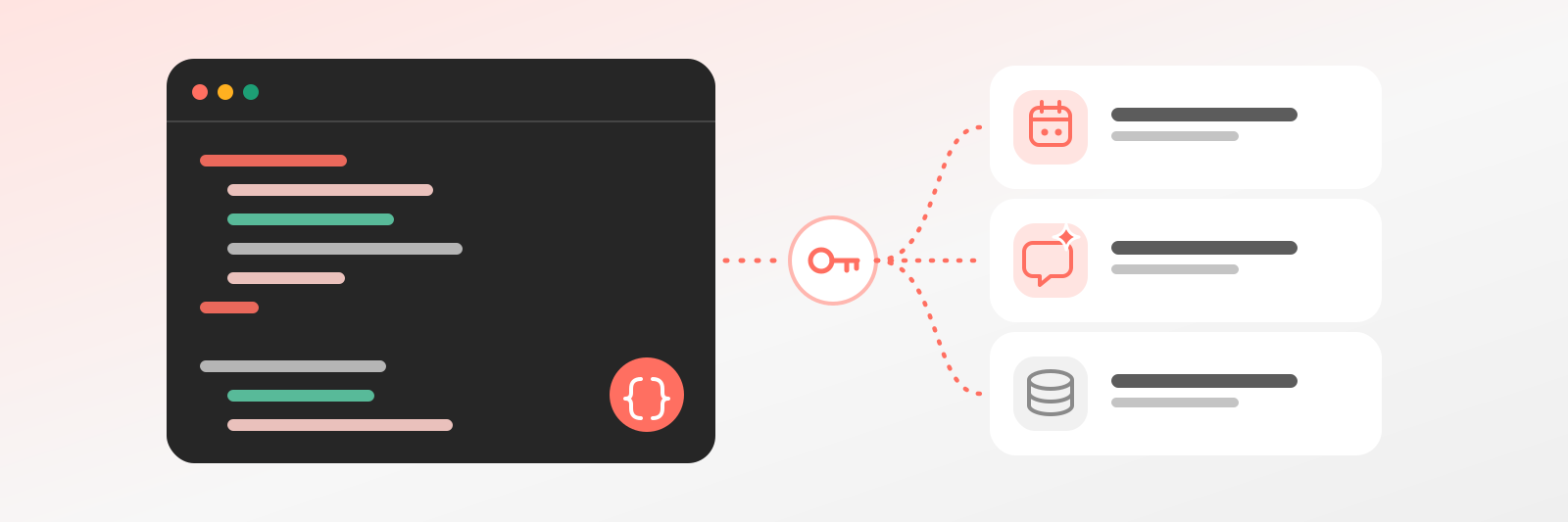
A code window and an API key connecting three systems: a calendar, a chat AI assistant and a database.

Why it helps

It plugs into your own system

You have your own website or software, and you do not want guests to go somewhere else just to book. With the REST API you can look up free slots, book and cancel from inside your own interface. The guest never notices the switch, and you do not maintain two separate systems. Everything stays in one place.

Your developer need not reinvent it

Writing your own booking logic takes months and is never flawless. The API uses the same free-slot calculation and rule set as the MeetPly page, so the REST API cannot contradict what a guest sees elsewhere. Your developer can focus on their own work, and you can relax knowing the logic is already proven.

Your rules apply through the API too

You need not worry that an integration sidesteps your rules. Notice period, daily limits and capacity apply through the API as well, and a conflict returns an error. You reach the API with a key, so you decide who gets access. That way the integration grows your business instead of putting it at risk.

What it does

One logic, many callers

REST API
Free-slot lookup, booking, cancellation - the usual endpoints.
Same rules
Nothing can be booked through the API that your rules forbid either.
Signed tokens
The cancel link is single-use and signed, not based on name or email.
Documentation
A description and sample calls per endpoint, so you can get going fast.
Rate limiting
A fair usage limit, so one faulty integration can’t overload the system.
Key scoped to a calendar
An API key can cover one calendar or the whole location, for reading or for booking.

Endpoints

What you’ll use on day one

The full reference is in the documentation. These four calls cover the whole booking flow.

Free slotsGET
By service, resource and period - the same calculation as the page.
BookingPOST
With the guest’s details. The rules apply here too, conflicts return an error.
CancellationDELETE
With a signed token, exactly like the cancel link works.
ResourcesGET
Colleagues, machines, rooms and their services.
Key scoperead / book
For reading or booking, scoped to a calendar.

FAQ

Questions for developers

Endpoints, authentication, limits - what to know before integrating.

Like the AI chatbot?Get one just like it for your own business.
Yes, the endpoints come with descriptions and examples. If something's missing, write to us - developer feedback is the fastest way to get it added.
A standard through which AI assistants can natively call the booking operations, without writing a separate integration.
No. The same logic runs: lead time, horizon, daily limit, and capacity all apply through the API too.
Read or book, scoped to one calendar or to the whole location.
The Premium plan. If you'd like to try it, it's available during the trial too.
Yes. The trial is 14 days with no card - you can try everything meanwhile, API keys included.
14 days free, no credit card required · SolvePly Kft.

Start today - your first booking arrives tomorrow

Set up your schedule and services, get a link. The rest takes care of itself.

No lock-inReady in 15 minutesUnlimited bookings
booking.meetply.com/your-name
9:00Check-upfree
10:30Consultationfree
13:00Treatment1 spot
MeetPly · 0 double bookings
REST API: Let Your Own System Book | MeetPly