
Features · Team permissions
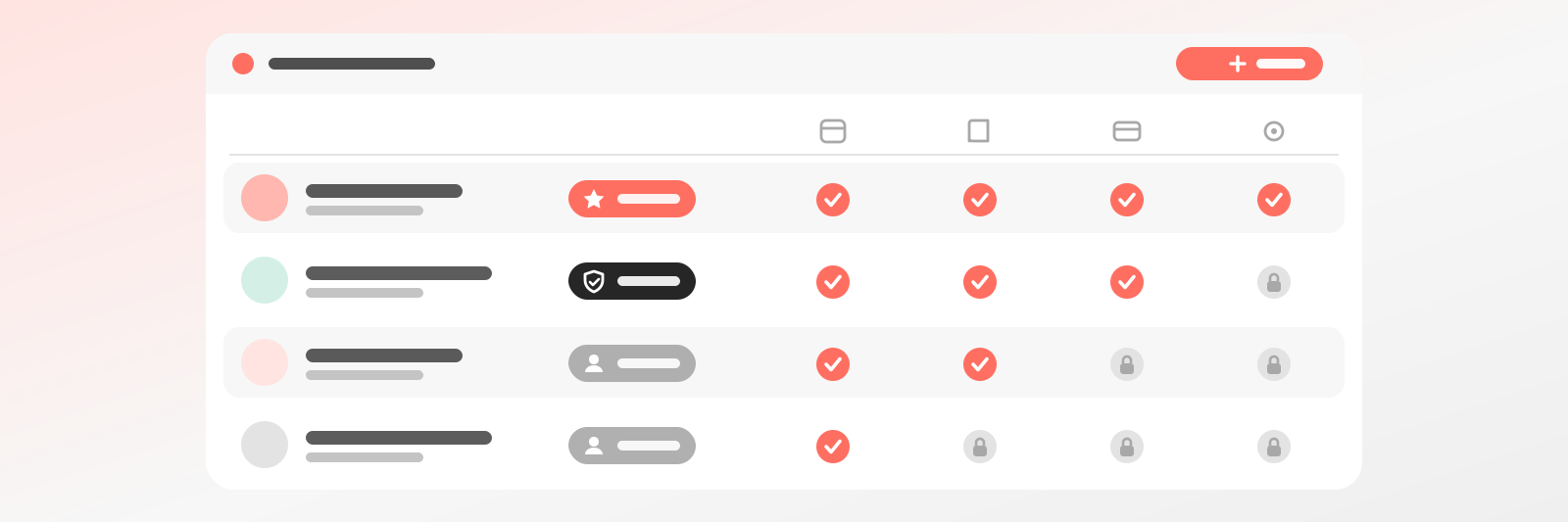
Staff see their own, the admin sees everything
Permissions are enforced by the server, not hidden by the interface. What a colleague can’t see, they can’t query either.
Why it helps
Hand over the calendar, keep control
While you were alone, you saw everything. Now a team is joining, and the thought of everyone seeing everything feels uncomfortable. Team permissions tie access to roles: an admin and a staff member see and do different things. You can hand over the daily work with a calm mind, because control stays in your hands.
Colleagues work without distractions
A staff member does not care about total revenue or everyone else's schedule, only their own day. Permissions shape the interface so they only see what is theirs to handle. They cannot get lost in settings, and they do not have to keep asking what they are allowed to do. A simpler day, fewer misunderstandings.
What isn't allowed isn't reachable
Hiding a button is not enough if anyone can still request the data behind it. The server enforces permissions, so what a colleague may not see, they cannot query either. Team permissions really protect your guests' data and your business, not just the appearance of it. That is something you can sleep well on.
What it does
Everyone sees exactly as much as their job needs
Who sees what
Two roles, a clean boundary
Not a complex permission matrix - two roles you can grasp in a moment.
FAQ
Questions about permissions
Roles, privacy, user count - questions around teamwork.
Like the AI chatbot?Get one just like it for your own business.Start today - your first booking arrives tomorrow
Set up your schedule and services, get a link. The rest takes care of itself.