
Features · Alternating weeks
Alternating shifts, no manual reopening
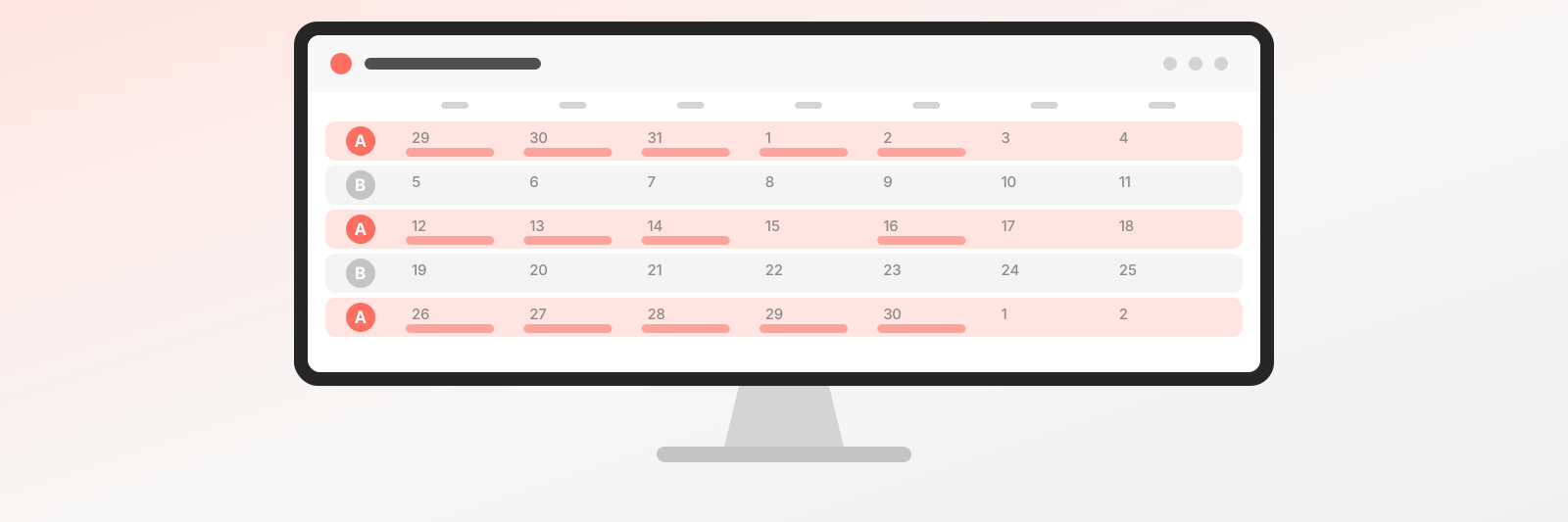
Two weekly schedules the system alternates for you. No need to rewrite next week’s hours every Sunday night.
Why it helps
No more Sunday-night rewrites
Two colleagues swap weeks, or you work a different rhythm every other week. You used to rewrite your hours every weekend, and one week always slipped through. With alternating week schedules you set both weeks once and the system switches between them for you. Your Sundays are yours again. This is especially handy when your clinic days or opening hours differ every other week. After a long week, that is not what you should be dealing with.
See which week is which
The calendar shows weeks ahead of time, so you can see which pattern applies. No counting in your head whether this is an odd or even week and who is in clinic. A rotating shift is clear at a glance, and your team knows when they are needed. Fewer mix-ups, fewer urgent messages.
Guests only see real slots
On the booking page, guests only see times when that team member is actually in. No cancellations because they booked the wrong week, and no awkward phone calls. Behind alternating week schedules sits a calm promise: what looks free really is free. Your colleagues also know when they are expected, and nobody has to ask you whether someone is in this week.
What it does
A two-week rhythm is still a rhythm
Typical setups
Where a two-week rhythm shows up
In far more places than you’d expect - and everywhere it’s the most manual work in a calendar.
FAQ
Questions about the weekly rhythm
Setup, switching, exceptions.
Like the AI chatbot?Get one just like it for your own business.Start today - your first booking arrives tomorrow
Set up your schedule and services, get a link. The rest takes care of itself.