
MeetPly

Features · Reports

See what brings in the money - and what eats the time

Bookings, revenue, utilization and no-shows, broken down by colleague and service. Not a dashboard for its own sake.
4
views
weekly
breakdown
CSV
export
Per colleague and per service
Period comparison
Admin-only
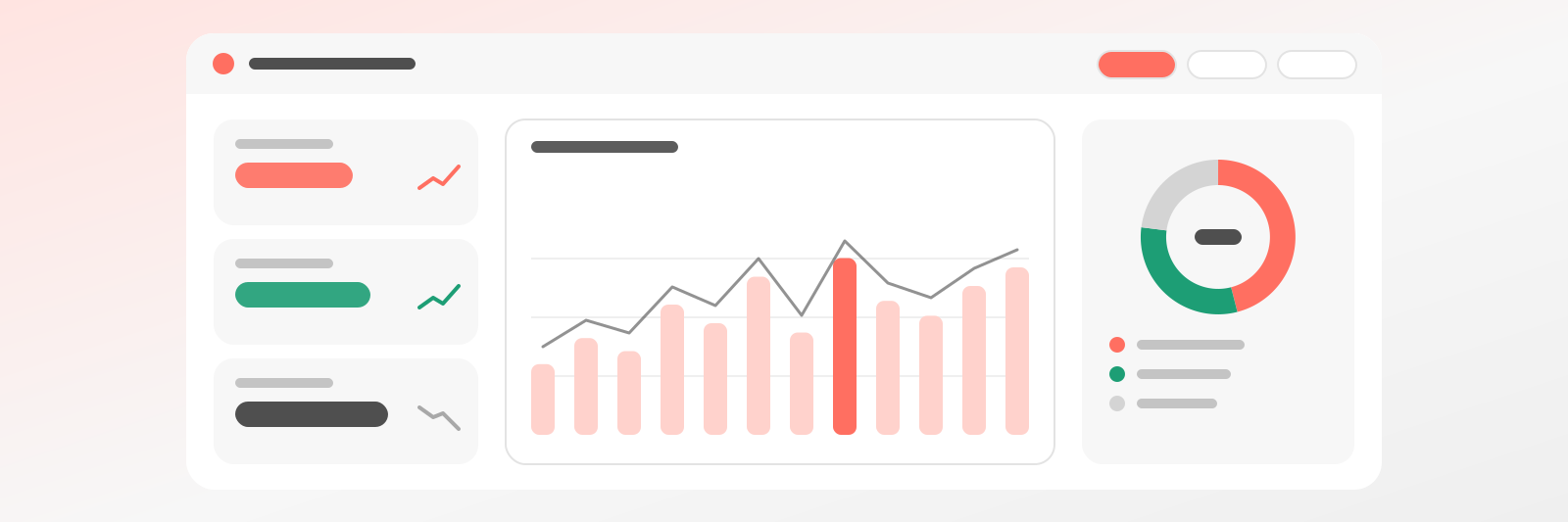
A digital reporting dashboard with KPI cards, a bar chart and a donut chart: you can see what brings in the revenue.

Why it helps

No more guessing at month end

At the end of the month you sit down with only a hunch about how much you worked and how much you earned. Booking reports bring bookings, revenue and no-shows into one place, split by service and by colleague. No spreadsheet wrestling: you take one look and know where you stand. That is real peace of mind.

Know who is stretched too thin

One colleague runs flat out from morning to evening while another has an empty Tuesday, and you only hear about it in the hallway. Utilization per resource shows where time is tight and where the calendar sits empty. You share the work more fairly and stop lying awake over guesswork in your reports.

See where your time leaks away

A no-show is more than an empty hour, it is an annoyance. Your reports show which service has the most missed appointments, so you can decide where to ask for a deposit or send a reminder. Only the admin sees these numbers, colleagues do not, so the figures stay with you.

What it shows

Four numbers that turn into decisions

Booking count
How many bookings came in, from which channel - page, widget or manual entry.
Revenue
Per service and per colleague, based on actual payments.
Utilization
How much of the offered time filled up - per resource.
No-shows
How many guests didn’t show up, and for which service it’s most common.
Period comparison
This month against the last - with numbers, not gut feeling.
Export
The table can be downloaded if you want to crunch it further.

What it’s for

What the numbers actually answer

A pretty chart isn’t the goal. These are the five questions most people ask themselves at month’s end.

Which service pays off?revenue / hour
It’s not the absolute price that matters, but how much time it ties up.
Who’s overloaded?utilization
If one colleague is at 95% and another at 40%, that’s a scheduling question.
When is there dead time?time of day
If Tuesday mornings are always empty, that’s worth a promotion.
Who doesn’t show up?no-shows
Which service is worth requiring a deposit for.
Where do they come from?channel
Public page, embedded widget or phone.

FAQ

Questions about reports

What we measure, who sees it, and how you take it further.

Like the AI chatbot?Get one just like it for your own business.
Only the admin. Staff see their own bookings, not the aggregated numbers.
Week, month, and a custom range, with comparison to the previous period.
Yes, based on recorded payments - it doesn't calculate from the listed price sheet.
Yes, to CSV, if you want to calculate further with it or hand it to your accountant.
Yes, broken down per resource and per service too.
The Premium plan.
14 days free, no credit card required · SolvePly Kft.

Start today - your first booking arrives tomorrow

Set up your schedule and services, get a link. The rest takes care of itself.

No lock-inReady in 15 minutesUnlimited bookings
booking.meetply.com/your-name
9:00Check-upfree
10:30Consultationfree
13:00Treatment1 spot
MeetPly · 0 double bookings
Booking Reports: See What Earns | MeetPly